
Website design
What pages does a company website need? A checklist for small businesses

Short answer: A small business's company website needs at least five pages: Home, About, Services, Projects and Contact. Each page answers one question a partner or customer already has. News, careers or a capability profile are worth adding only when you have real content to put there.
This article is for owners of service businesses, workshops, construction, interior or consulting firms preparing their first website, or checking the one they already have. A checklist at the end lets you review it yourself before launch.
The five required pages and the question each must answer
People who visit a company website are usually partners, customers comparing a few providers, or someone who was referred to you. They do not read everything. They look for answers to a few questions, then decide whether to get in touch.
| Page | Visitor's question | Must include |
|---|---|---|
| Home | What does this company do, and for whom? | One sentence on what you do, the area you serve, a contact button |
| About | Is this company real? | Legal name, tax code, address, year founded, person in charge |
| Services | Can they do what I need? | One section or page per service, scope of work, process |
| Projects | Who have they worked for, with what result? | Real photos, year completed, the work you did |
| Contact | Who do I call, and where are they? | Phone number, Zalo, email, address, map, a short form |
Home: answer in the first few seconds
- One opening sentence saying what you do and for whom, for example "Office interior fit-out in Ho Chi Minh City", instead of a generic slogan.
- Three to six main services, each linking to its detail page.
- A few featured projects with real photos.
- Call and Zalo buttons always visible on mobile.
About: prove you are real
New partners often check that a company exists before they call. The About page should state your legal name, tax code, head office address, year founded and the name of the person in charge. Add real photos of your office, workshop or team. Show certificates or professional licences only when you hold the originals.
If you often send a capability profile when quoting or bidding, put a button to download the PDF right on this page. A PDF is easy to attach; a website can be updated at any time.
Services: one clear section per job
A page listing ten services in a single paragraph is hard to read. An easier approach: one section or one page per service, each answering four points:
- What you do, and for which kind of customer.
- Scope: what is included and what is not.
- Your process, from receiving a request to handover.
- How you quote: per item, per square metre, or after a site survey.
If you do not want to show prices yet, say clearly how you quote and how long it takes. A sentence like that makes customers less hesitant to get in touch than leaving it blank.
Projects: show only what is real
This is often the page read most closely. Each project should have real photos, the year, the location and the work you did. Name a client or show their logo only with their consent. Until you have it, a description such as "a 200 m² office in District 7" is still enough for visitors to picture the work.
Contact page and footer
- A phone number that can be tapped to call on mobile, a Zalo link, an email on your company domain.
- Address with a map, and opening hours.
- A short form: name, phone number, what you need. The fewer fields, the easier it is to send.
- A footer that repeats your legal name, tax code, address and phone number so every page has them.
Pages to add once you have the content
- News or articles: only when someone writes regularly. A news section whose latest post is three years old makes a website look abandoned.
- Careers: when you hire regularly.
- FAQ: collect the questions customers often ask on the phone, and answer them briefly.
- Privacy policy: worth having when a form collects phone numbers or emails; state clearly what you use that information for.
To give every page its own title and description so Google understands it correctly, see what an SEO-ready website means.
What not to put on the website
- Numbers without a source, such as "thousands of customers" or "number one in the market".
- Client logos, badges or awards you do not have the right to use.
- Photos taken from the internet passed off as your own projects.
- Empty sections saying "being updated" for months.
A website with few pages that are all true is more trustworthy than a complete-looking website with made-up content.
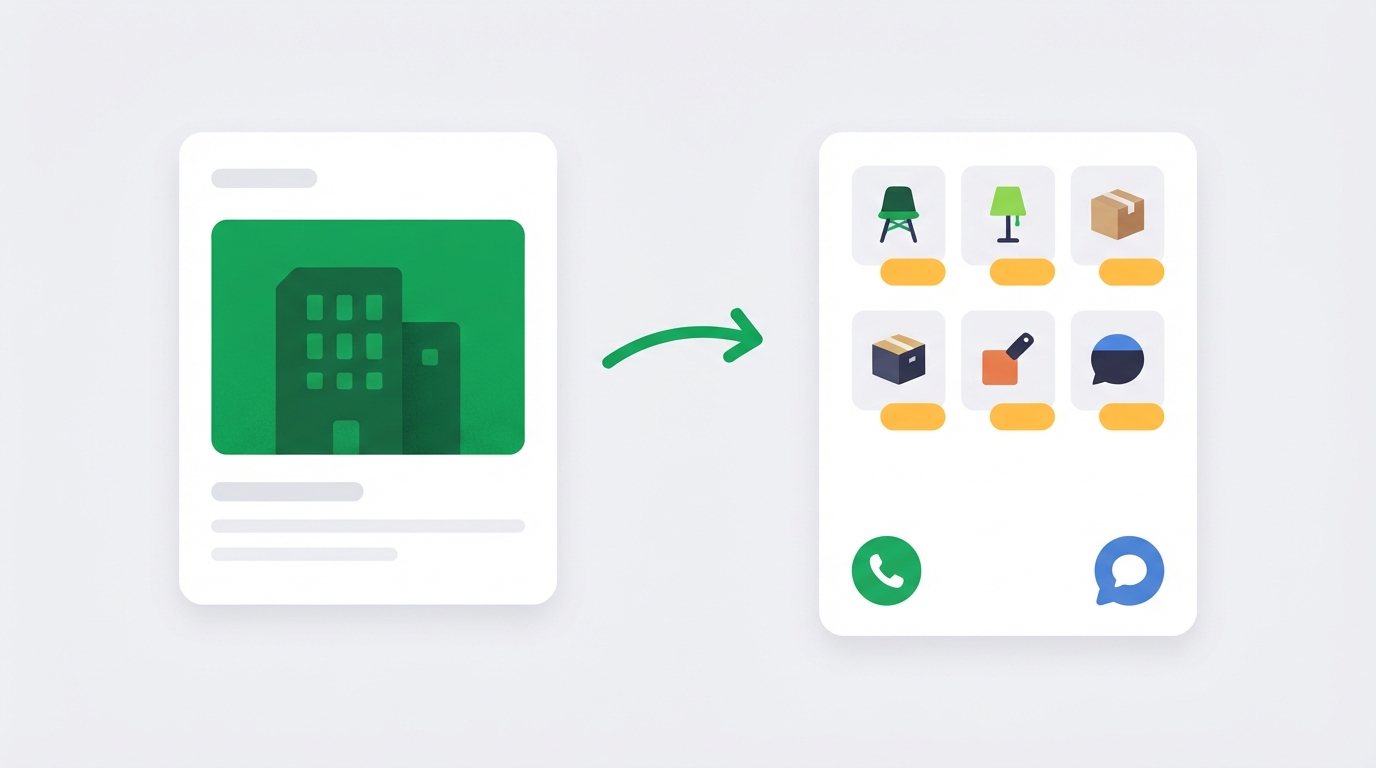
When a company website should become an e-commerce website
A company website is a sensible first step for a service business. But if you have goods to sell, at some point it is no longer enough. A few signs:
- Customers ask for the price and specifications of each model, while your website has only one general "products" page.
- You have a few dozen items or more and send photos and price lists over Zalo one customer at a time.
- You want to advertise each product line but have no landing page for that line.
- You already sell on marketplaces or social media and want a channel you own.
At that point you need product pages with specifications, categories and a way to manage your goods. If the website adds online ordering, it falls under e-commerce regulation and needs a filing with the Ministry of Industry and Trade, so ask your web provider about this from the start.
Simplify builds e-commerce websites for businesses on a platform built by the Simplify team itself, then keeps running them after launch. Talk to us about your business website.
Who updates the website after launch
A company website changes less often than an e-commerce website, but it still needs someone looking after it: renewing the domain and SSL certificate, backups, adding new projects, changing the phone number when it changes, fixing pages that break. Before you hire anyone, ask three things: who holds admin access, who edits content when you need it, and how the second year is charged. The article on what an e-commerce website costs lists more items worth asking about.
Pre-launch checklist
- The home page has one sentence saying what you do, for whom, and where.
- The About page has your legal name, tax code, address and year founded.
- There are real photos of your team, office or projects.
- Each service has a scope, a process and a way of quoting.
- Each project has photos, a year and the work done; client names only with consent.
- Call and Zalo buttons are visible on mobile on every page.
- The contact form has been tested and someone receives it.
- Email uses your company domain.
- The footer has your legal details and phone number.
- No unchecked numbers, logos or badges.
- A privacy policy is in place if the form collects information.
- You know who will update the website after launch.
Frequently asked questions
How many pages does a company website need?
At least five: Home, About, Services, Projects, Contact. A business with few services can fold Services and Projects into the home page, as long as every question in the table above still has an answer.
Should a company website show service prices?
If your prices are stable, showing a price or a "from" price helps customers filter themselves. If the price depends on a survey, state clearly how you quote and when you send the quote.
What if I have no projects to show yet?
Leave out the Projects page at first and describe your working process with real photos of your team instead. Add your first project as soon as it is handed over and the client agrees.
Does a company website need online ordering?
No. A company website takes enquiries, and deals close by phone, Zalo or in person. When you need to sell goods on the website, move to an e-commerce website as described above.
Preview your business's website
Not sure what your website should look like? Write a few lines describing your business and Simplify builds a trial website for you to preview. No payment up front, a real person reviews every version, usually within one working day. The trial uses only the information you provide and does not add prices, phone numbers or reviews on its own. Build a free trial website.
When you are ready for your official website, or want to move up to an e-commerce website with a team running it, talk to us about your business website.


